
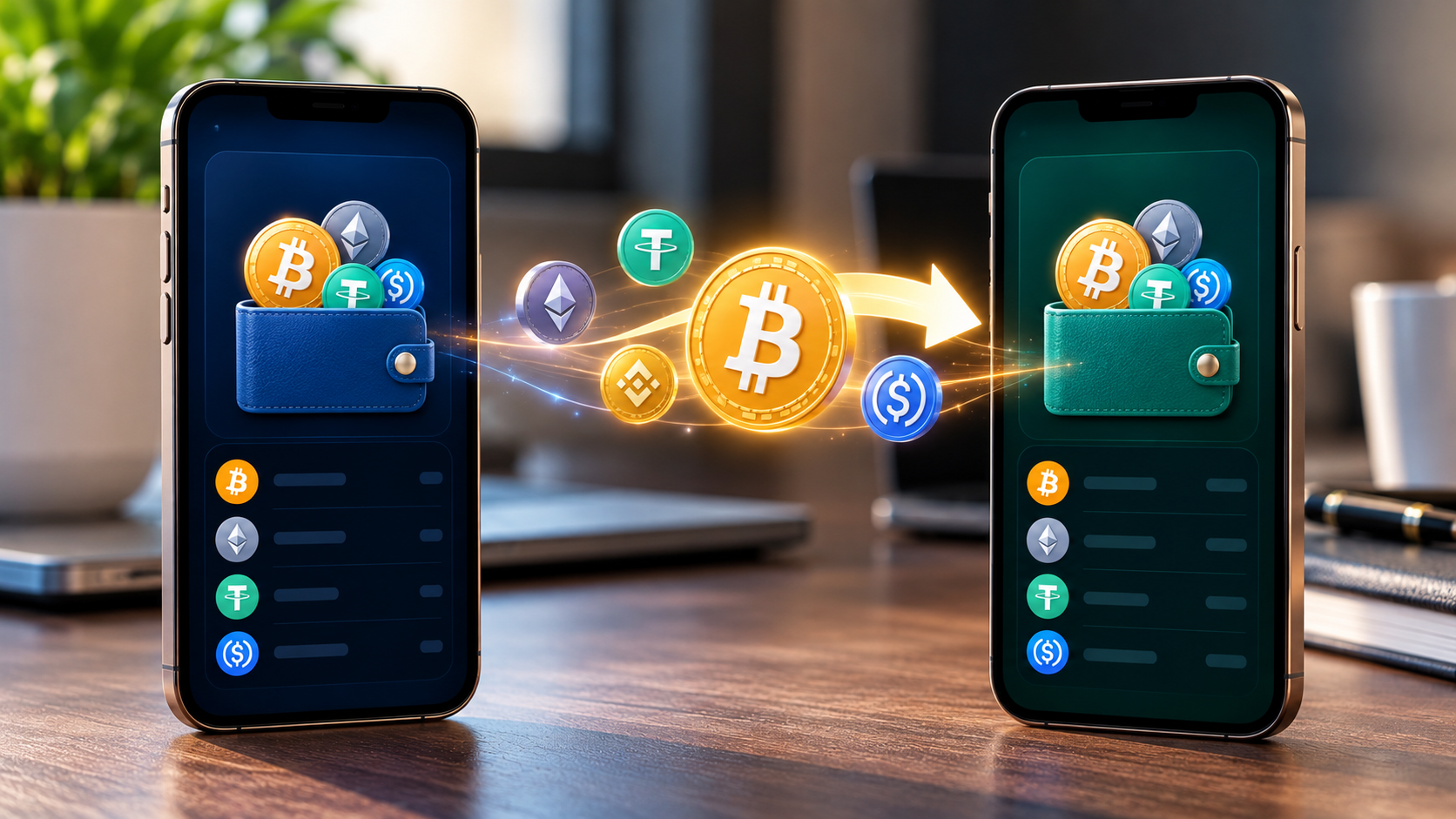

Most people only learn how to move crypto to a new wallet when something forces them to: a new phone a lost device a wallet app that stops updating, or a worrying security notice. The process is not hard, but it is unforgiving. A crypto transfer cannot be reversed, so a single wrong character in an address or a wrong network choice can cost real money.
This guide walks through the full process in the order that keeps risk lowest, from creating the new wallet to cleaning up the old one.
First, How to move crypto to a new wallet
Your coins never sit inside a wallet They live on the blockchain, and your wallet holds the keys that prove they are yours. So “moving crypto to a new wallet” really means sending it from one address you control to another address you control, which is an ordinary transaction with a network fee.
That detail changes a few decisions:
- Importing your old recovery phrase into a new app does not move anything. It just opens the same addresses in a different app.
- If you are moving because the old wallet may be compromised, a new wallet built on the same recovery phrase is not safer. You need a brand-new phrase.
- Every chain is separate. Moving your Bitcoin, your Ethereum assets and your Solana tokens means three separate sets of transactions.
Create the new wallet and protect the recovery phrase
Download the wallet app only from the official website or your phone’s official app store. If you are buying a hardware wallet, buy from the manufacturer or an authorised reseller. Never use one that arrived with a pre-filled recovery card or a pre-set PIN. Those are classic scam setups.

When the new wallet shows you its recovery phrase, usually 12 or 24 words, write it on paper or a metal backup plate. Do this offline. Then follow these rules:
- Do not photograph it, screenshot it, email it or store it in a notes app or cloud drive.
- Never type it into a website, and never share it with anyone who contacts you, including “support” staff. Real support teams do not ask for it.
- Store it somewhere private and fireproof, and consider a second copy in a separate location.
Anyone who has these words can take everything in the wallet, so this is the one step you cannot rush.
Get the receiving address and verify it
Open the new wallet, choose the asset you want to receive, and copy the receiving address. Each blockchain uses its own address format, so confirm you are copying the right one. If you are using a hardware wallet, also check the address on the device’s own screen. That protects you if your computer has been infected.
Two scams are worth knowing about:
- Clipboard malware silently swaps the address you copied for an attacker’s address. Always compare the first and last several characters before you confirm the send.
- Address poisoning happens when a scammer sends you a tiny transaction from an address that looks almost identical to one you use. If you later copy an address from your transaction history, you may copy the fake one. Copy from the new wallet itself, not from history.
Always send a small test transaction
Before moving everything, send a small amount first, such as the equivalent of a few dollars. Wait for it to arrive in the new wallet, and confirm the amount and the asset are right.
The test costs an extra network fee, and it is worth it. If something is wrong with the address, the network or the wallet, you lose a little instead of a lot.
Pick the right network and keep enough for fees
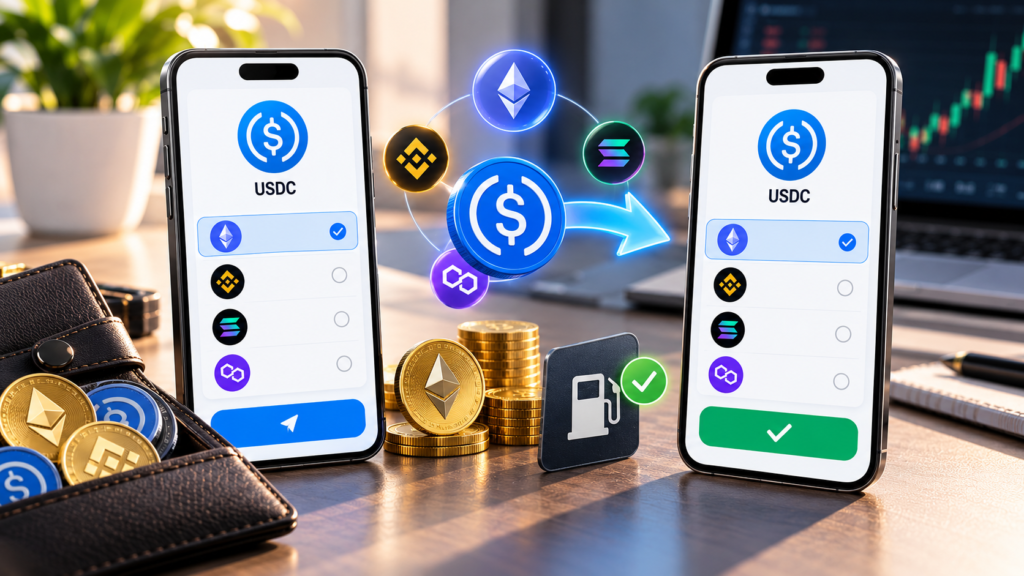
Many tokens exist on several networks, and the same token on the wrong network may not show up or may be hard to recover. Match the network on both sides exactly. For example, USDC on Ethereum is not the same as USDC on another chain.
Also remember that fees are paid in the chain’s own coin. To send tokens on Ethereum you need ETH in the sending wallet to pay the fee. If you sweep out all your ETH first, your tokens can end up stuck. Move the tokens first and the native coin last, and always leave a little extra for the fee.
Fees vary with congestion and, on Bitcoin, with how large the transaction is. If you are not in a hurry, choosing a lower fee setting usually costs less, but the transfer may take longer.
Move the rest, one asset at a time
Once the test arrives, send the remaining balance. Doing it asset by asset keeps each step easy to check. A sensible order is:
- Stablecoins and other tokens
- Your main coin on each chain, last
- Anything unusual, such as NFTs or locked positions
After each transfer, confirm the balance on the new wallet and, if you want proof, look up the transaction in a block explorer using its transaction ID.
Deal with staking, DeFi and NFTs
Not everything can be sent with a simple transfer.
- Staked coins often have to be unstaked first, and some networks hold funds in an unbonding or withdrawal period that can last from days to weeks. Plan for that before you move.
- Liquidity pool and lending positions must usually be closed or withdrawn so the funds return to your wallet, then moved.
- NFTs are sent one at a time or in batches, depending on the wallet and chain. Check that the new wallet supports the NFT’s network.
- Tokens tied to an exchange, such as funds held on an exchange account, are not in your wallet at all. Withdraw them to your own address, and double-check the network before confirming the withdrawal.
Clean up the old wallet
Once everything has moved, do not just forget the old wallet.
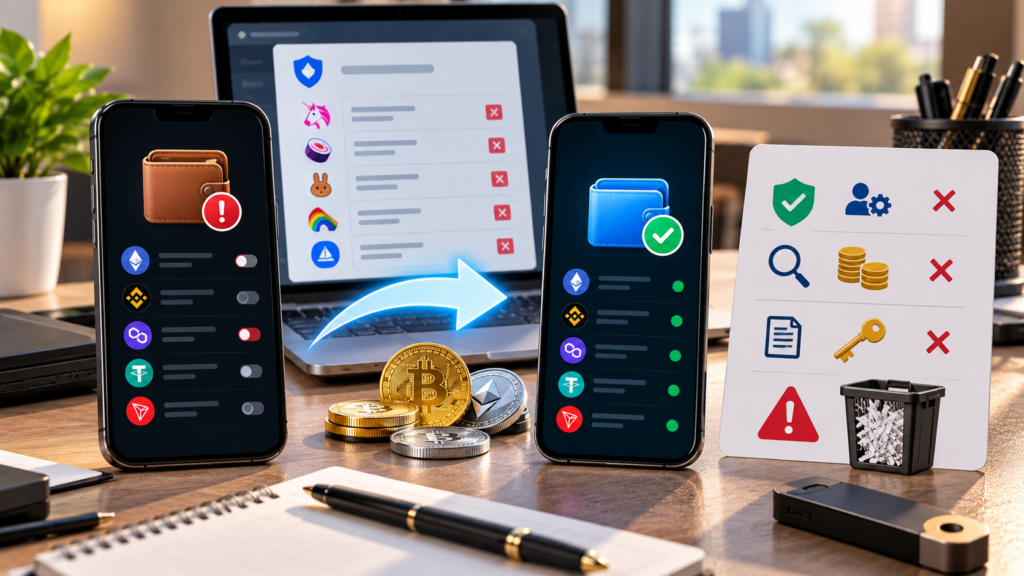
- Revoke token approvals. When you used apps and decentralized exchanges, you probably gave contracts permission to spend your tokens. Those permissions can remain active. An approval-checking tool such as Revoke.cash lets you review and cancel them. Only use a tool you have verified, reached through its official site and not through a link in a message.
- Check for leftover dust and tokens, including tokens you do not recognise. Do not interact with unknown tokens, because some are traps.
- Keep the old recovery phrase until you are sure nothing remains and no pending transactions or rewards are waiting for you. After that, you can destroy the backup carefully.
If you moved because of a suspected compromise, treat the old wallet as permanently unsafe. Do not reuse that phrase for anything.
Common mistakes to avoid
- Sending to an address copied from an email, chat or transaction history without verifying it
- Choosing the wrong network, or sending a token to an address on a chain the new wallet does not support
- Skipping the test transaction
- Sending all of the native coin first and leaving nothing for fees
- Importing the old recovery phrase into a new wallet and calling it “moved”
- Entering a recovery phrase on a website or giving it to a support agent
- Rushing because a message says your funds are “at risk” or “expiring”
Records and taxes
In many countries, sending crypto between wallets you own is not treated as a sale, but rules differ and network fees may be treated differently. Keep a record of each transfer: date, asset, amount, both addresses and the transaction ID. If you are unsure how your country treats it, ask a qualified tax adviser rather than relying on a general guide.
A short checklist
- New wallet from an official source, with a fresh recovery phrase written down offline
- Receiving address verified, and checked on the hardware wallet screen if you use one
- Test transaction sent and received
- Network matches on both sides, with enough of the native coin for fees
- Assets moved one by one, native coin last
- Staking and DeFi positions closed or unstaked first
- Token approvals revoked on the old wallet
- Records saved
This article is general information, not financial, legal or tax advice. Crypto transfers are irreversible, so go slowly and double-check every step.
FAQs
Can I move crypto to a new wallet for free?
No. Every transfer pays a network fee, which depends on the blockchain and how busy it is. Some exchanges also charge a withdrawal fee.
Do I need a new recovery phrase for a new wallet?
Yes, if you want a genuinely separate wallet. Importing the old phrase just reopens the same addresses, so it protects nothing if the old phrase was exposed.
How long does it take to move crypto to a new wallet?
It depends on the network. Many transfers confirm within minutes, though busy periods, low fee settings or exchange security checks can slow them down.
What happens if I send crypto on the wrong network?
The funds may not appear in the new wallet and may be difficult or impossible to recover, which is why a small test transaction first is so important.