

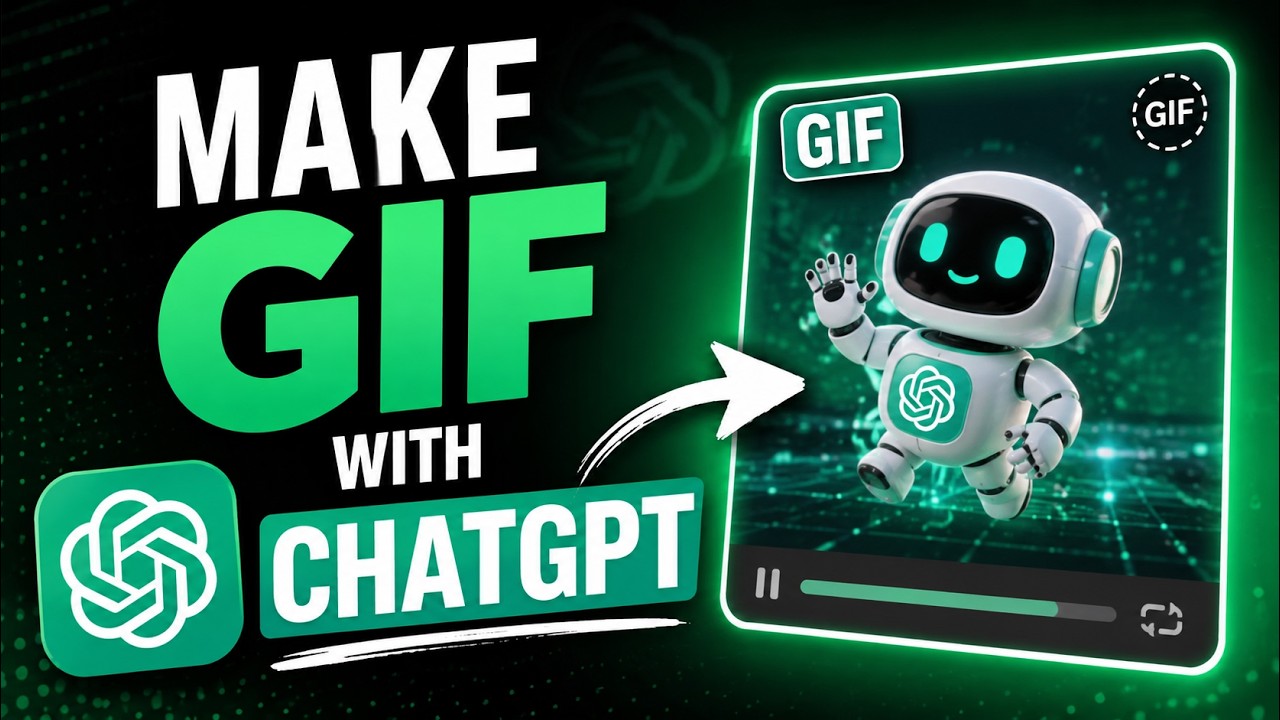

How to Make GIFs with ChatGPT GIFs are still everywhere group chats, Twitter replies, product pages, even crypto memes on Telegram. Most people assume you need Photoshop or some clunky online converter to make one. You don’t. ChatGPT can get you there, and it’s a lot faster than it sounds once you know the actual workflow.
There are two ways to do this depending on what you’re starting with: a photo you already have or an idea you want to build from scratch.
Turn an Existing Photo Into a GIF
This is the quickest route if you already have an image you want to animate a product shot, a portrait, a screenshot, whatever.
- Open ChatGPT and upload your photo. Click the plus (+) icon next to the message box and choose “Upload from computer” (on mobile, you’ll get the option to pick from your camera roll or files instead).
- Describe the animation you want in plain language. Be specific rather than vague. Instead of “make it move, try something like Animate this photo with a slow zoom-in and add sparkle effects around the edges” or Make the text bounce gently and add a subtle glow. The more detail you give style, speed, mood, color accents the closer the first result lands to what you actually pictured.
- Let ChatGPT generate it, then review. You’ll usually get something close but not perfect on the first try. That’s normal treat it like a draft.
- Refine with follow-up prompts. Ask directly for changes make the loop faster, remove the confetti, keep the background static and only animate the text. ChatGPT can adjust the existing generation rather than starting over each time.
- Download the file. Once you’re happy with it, save it directly from the chat.
Build a GIF From Scratch (No Starting Photo)
If you’re starting with just an idea a mascot, a meme concept, a short animated logo the process leans on ChatGPTs image generation instead of photo editing.
- Prompt ChatGPT to generate a short sequence of images, describing each frame as a distinct moment in the motion. For example: “Generate a 4-frame sequence of a rocket launching frame 1: rocket on the pad, frame 2: ignition and smoke, frame 3: lifting off, frame 4: rocket mid-air with trail.” Keep the style consistent across frames (same art style, same color palette, same character proportions) or the animation will look jumpy.
- Download each frame as it’s generated.
- Merge the frames into an animated GIF using a free tool like ezgif.com’s “GIF Maker” upload your frames in order, set the delay between frames (100–200ms usually looks natural for a simple loop), and export.
- Loop-check it. Play it back and make sure frame 1 flows naturally back from the last frame that’s what makes a GIF feel like a clean loop instead of a jarring reset.
A Few Things That Actually Matter Here
- Keep prompts specific. “Animate this” gets you something. “Animate this with a slow 2-second fade and soft glow on the edges” gets you something usable.
- File size adds up fast. If you’re posting the GIF anywhere with upload limits (Discord, Twitter, email), compress it afterward — ezgif and similar tools have a built-in optimizer that can cut file size significantly without visibly hurting quality.
- Not every ChatGPT plan or version handles this the same way. Image and animation features have rolled out gradually and vary by account type, so if a step above doesn’t appear exactly as described, check that you’re on a plan with image generation enabled.
- For anything brand-related logos, product shots, marketing GIFs do a quick usage-rights check before publishing widely, especially if the source photo wasn’t yours to begin with.
FAQ
Does ChatGPT export a real animated GIF file, or just a video?
This depends on which generation method you use and what’s currently supported on your plan. If you don’t get a direct GIF download, the frame-sequence-plus-external-merge method (Method 2 above) always works as a reliable fallback.
Can I animate text specifically like a Happy Birthday GIF?
Yes describe the text content, how it should move (bounce, fade in, sparkle), and any extras like confetti or icons, and treat the first result as a draft to refine.
Is this free?
Basic ChatGPT accounts have limits on image generation; heavier or unlimited use typically requires a paid plan. The external merge tools (like ezgif) are free.
Watch the full video walkthrough below, or follow the written steps above at your own pace.
Check this video on YouTube



